The episode, beside the video
The side panel shows the AniList entry, your live progress before the sync, the next season to watch and a link to the episode discussion.
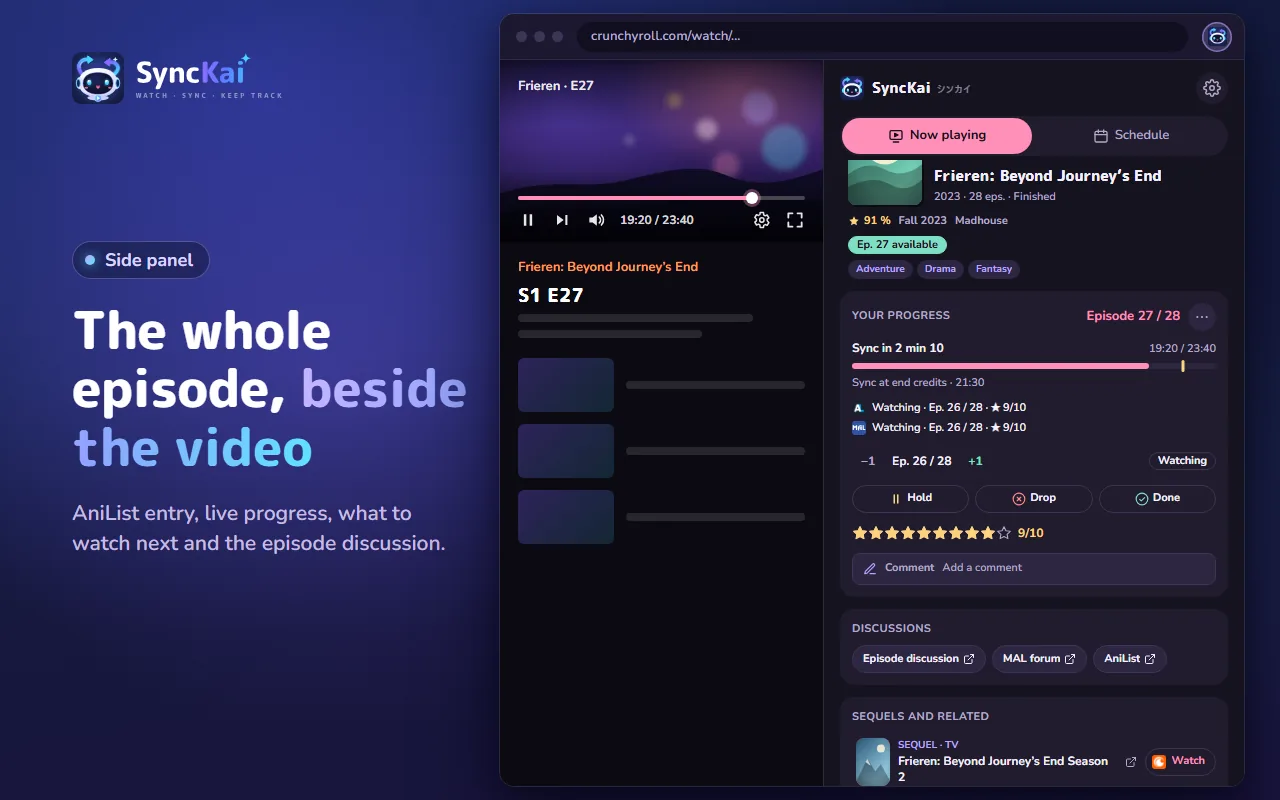

Watch on Crunchyroll or ADN as usual. When the ending credits start, SyncKai saves the episode to AniList and MyAnimeList. You never type an episode number again.
Free and open source. Also works in Edge, Brave and other Chromium browsers.
You watch onCrunchyroll ADN Netflix optionalDisney+ optional
Your list onAniListMyAnimeList
From the Chrome Web Store or Firefox Add-ons. No SyncKai account to create.
AniList, MyAnimeList, or both. Each one is optional.
At the start of the credits, the episode is marked as watched. If SyncKai isn't sure about the season, it asks you once, then remembers.
The side panel shows the AniList entry, your live progress before the sync, the next season to watch and a link to the episode discussion.
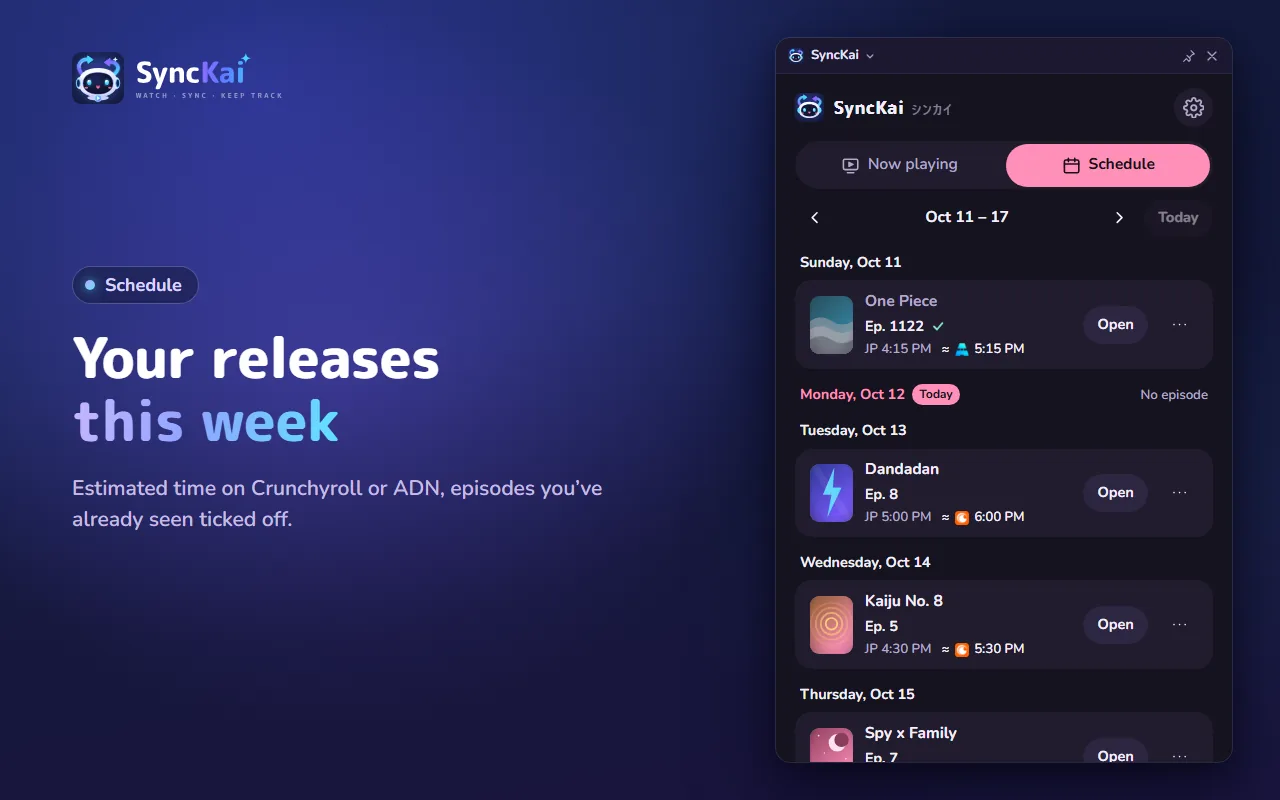
The schedule lists the new episodes of the series you're watching, with the estimated time on Crunchyroll or ADN. Episodes you've already seen are ticked off.
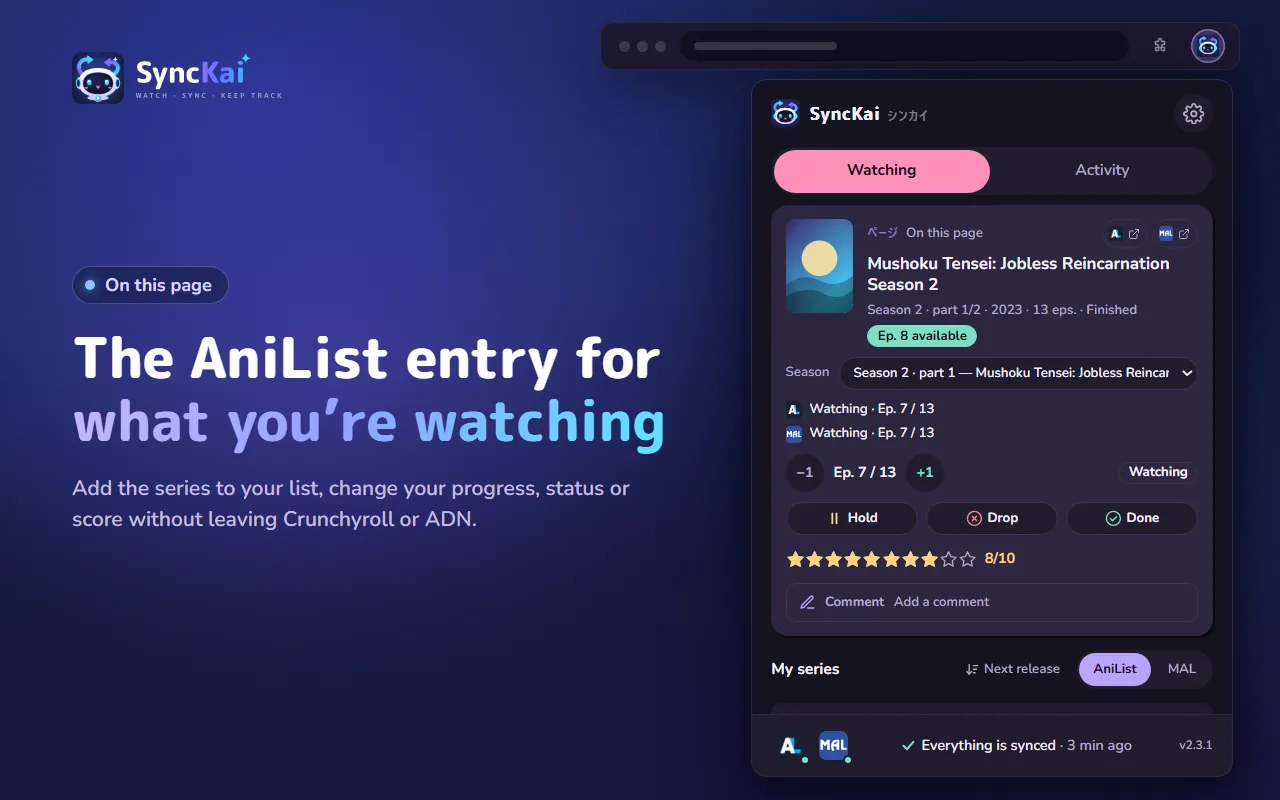
On a series page, add it to your list or change progress, status and score in a couple of clicks.
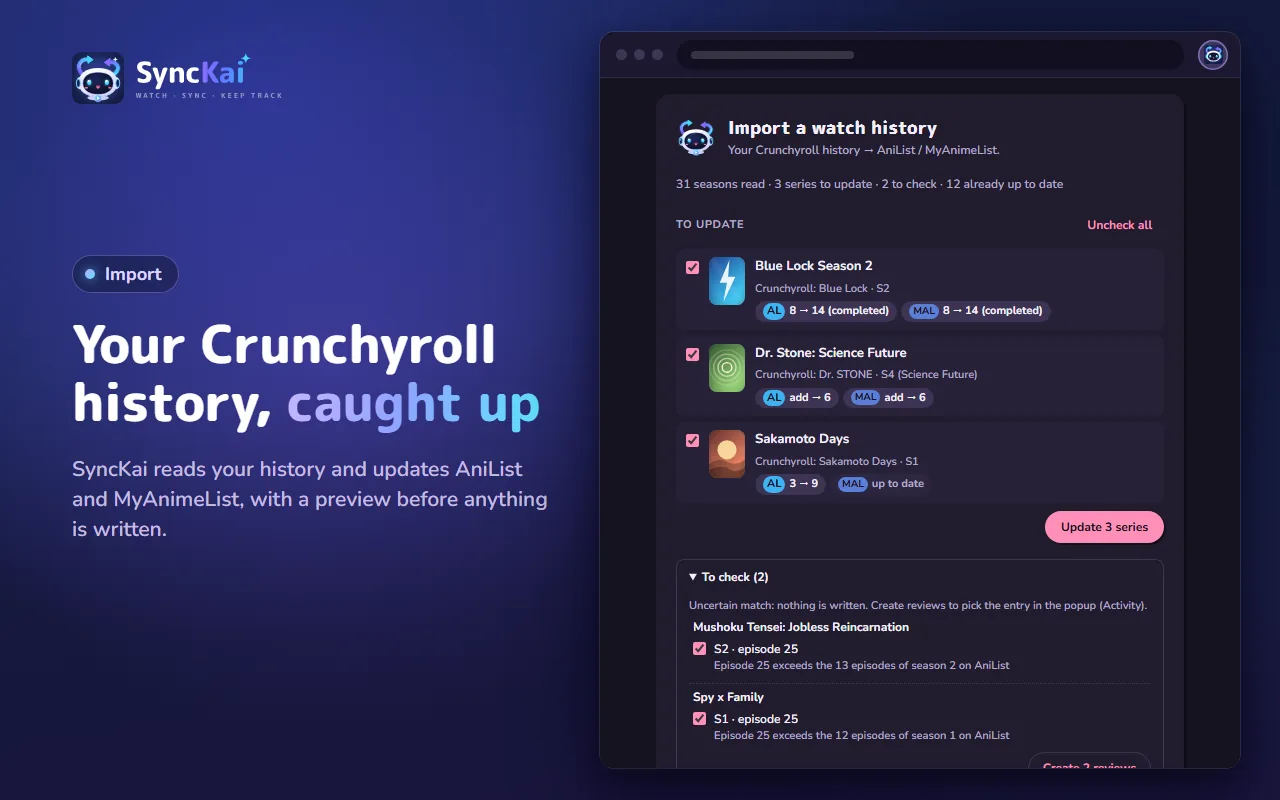
Import your Crunchyroll, ADN or Netflix history. You see a preview first, and nothing uncertain is written without your say.

SyncKai has no server. Your settings, history and sign-ins stay in your browser, and the extension only talks to AniList and MyAnimeList.
Chrome 116 or later, plus Edge, Brave and other Chromium browsers through the Chrome Web Store. Firefox 142 or later on desktop.
Yes, completely. No paid version, no ads.
Open the SyncKai popup: the status bar tells you if a match needs checking, a sync is pending or a session expired. After updating the extension, reload the player tab. As a last resort, Alt+Shift+K marks the current episode as watched.
In Activity › Recent syncs, click Fix and choose the right entry. SyncKai remembers it for the next episodes. Then use −1 to undo the wrong progress.
No. Connect one or the other, or both: each account is optional.
Install SyncKai, connect your list, and press play.
SyncKai is not affiliated with Crunchyroll, ADN, Netflix, Disney+, AniList or MyAnimeList.
MIT © 2026 Quentin Geerts